You build it on Squarespace. Our experts build it for you.
Both get you a website. The difference is who spends the evenings on it and what you have to sort out yourself. Here is how the two compare, without us putting words in their mouth.

What Squarespace is good at
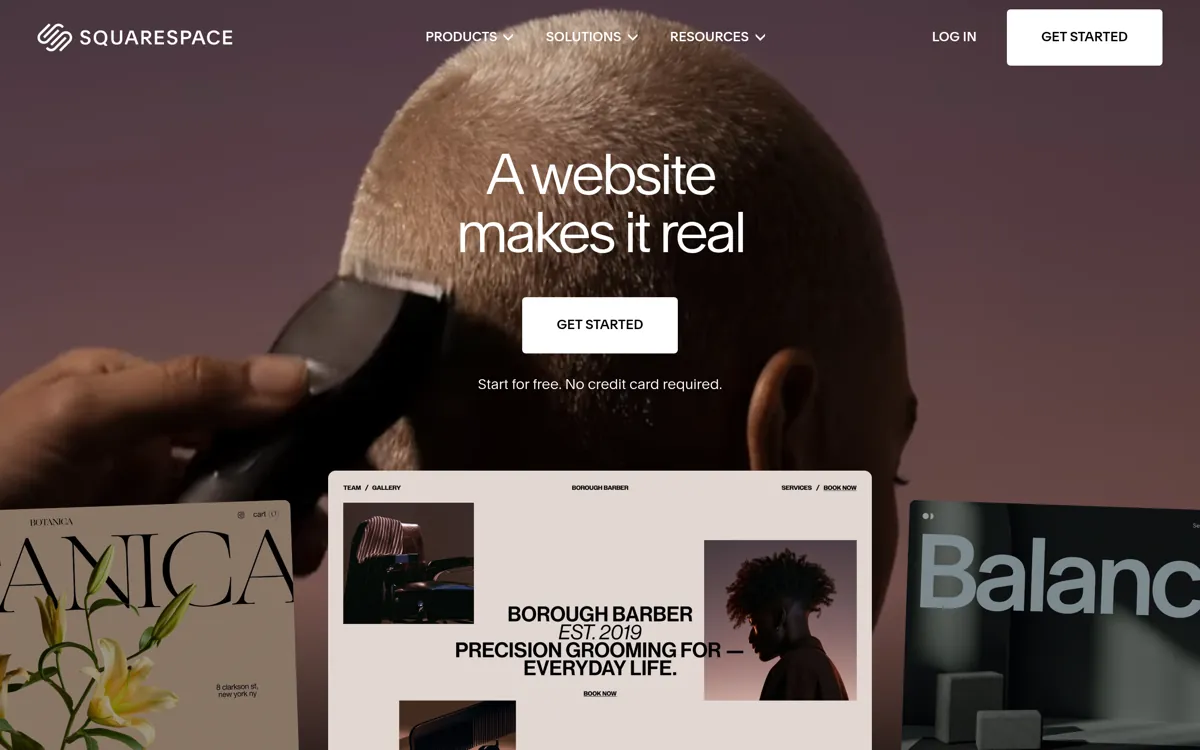
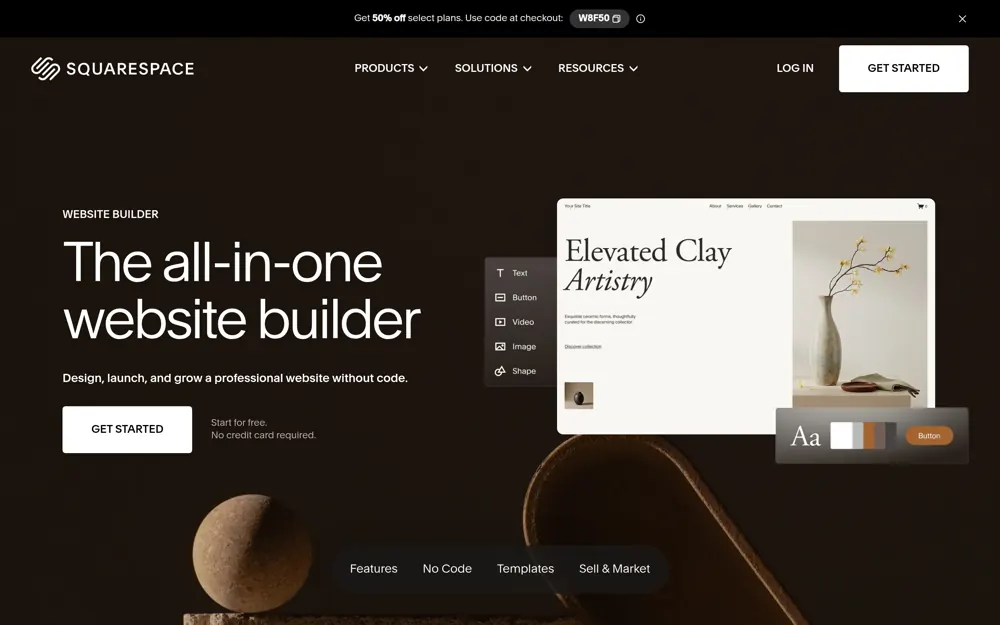
Squarespace is the one people reach for when they care how it looks. The templates are properly designed, the type is good, and a site built on it is hard to make ugly. That is why so many photographers, designers and restaurants use it.
It is still a tool. The template is the starting point and the rest is yours: the words, the photos, the pages for the work you want, and keeping it all current.
Squarespace is the better choice if
You have an eye for design and you want to lay the site out yourself.
Who does each job
A website is not finished when the template is picked. These are the jobs between that and a site that brings you work, and who does them.
| The job | Squarespace | My Webby |
|---|---|---|
| Choosing how it looks | You pick a template and lay it out | Two designs come back for your business and you choose |
| Writing the words | You write them | Your expert writes them, you check them |
| Photos | You find and fit them | Send yours over, or your expert sources them |
| A page for each job you want | You build each one | Tell your expert the jobs, they build the pages |
| Getting it ready for Google | You, or an app you add | Done at build, on every page |
| Your domain and hosting | Bought and renewed separately | In the price |
| Business email on your domain | Bought separately | In the price |
| Changing it in six months | You log in and do it | Message your expert, usually done the same day |
| When something breaks | A help centre and a ticket | Your expert, who knows your site |
Every row on the right is a job you would otherwise be doing yourself. See what one of our experts would build you before you decide.
See your new website nowWhat it costs
Most people take Starter Plus at £99.99 a month, including VAT. That gets you the website built for you, your domain, the hosting, business email, online booking and changes when you need them. Plans start at £59.99 if all you want is the website, and there is no build fee either way.
We have not put a figure on what Squarespace charges. Their plans change, they vary by tier, and the only price worth comparing is the one on their site today. Add up the plan, the domain, the email and anything else billed separately, then decide what your own evenings are worth.
Starter Plus
£99.99
a month, inc VAT
or £1,079.88 for the year, which saves you 10%. Plans start at £59.99, from £53.99 paid yearly.
What you actually do on Squarespace
Squarespace starts you further along than most builders. The templates are designed by people who know what they are doing, and the grid stops you making a mess of the layout. That is a real head start.
What it does not do is fill the site in. You still go through it page by page, adding sections, writing every heading and paragraph, sizing every image, deciding what goes where. The template gives you the shape. The content is all yours.
Then the second pass. Check every page on a phone, tidy up what has stacked oddly, fill in the page titles, sort the redirects, point the contact form at the right inbox. A good template hides none of that work. It just makes the half you have finished look better than it is.
A good template raises the bar for everything else
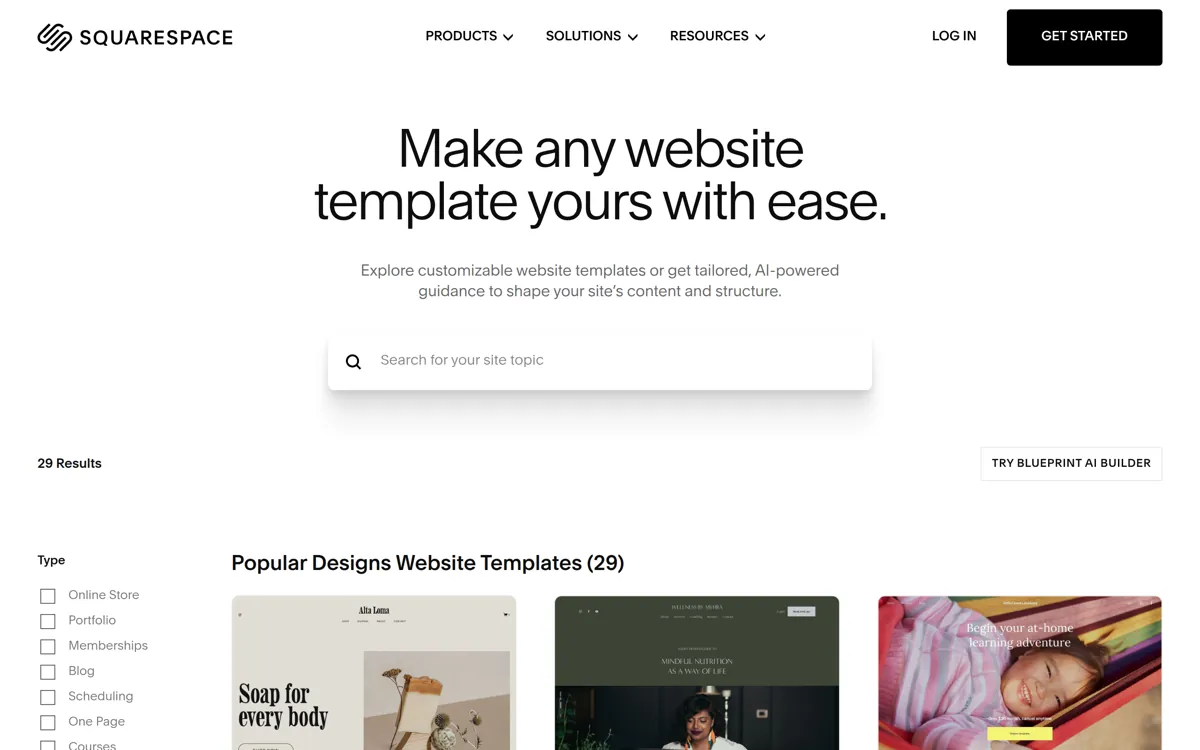
This is the bit that catches people out on Squarespace in particular. The templates are built to be filled with strong photos and confident writing, and they are unforgiving when they get neither. A big full width image block looks wonderful with the right photo in it and painful with a dark phone snap of your van.
Same with the words. A template designed around short, sure headlines makes thin copy look thinner. Where a plainer builder lets a rushed page pass as ordinary, a good template puts it in forty eight point type.
So the better the template, the more it asks of you. That is what design led means. It is worth knowing before you spend a weekend on one, because the gap between a Squarespace template in the showroom and the same template with your stuff in it comes down entirely to your stuff.
Somebody has to write the words
A page for each kind of work you want needs to say what the job is, who it is for, what is included, how you price it, how far you travel and what happens after someone gets in touch. Three or four hundred words a page, and five pages if you want five kinds of work.
Most people write two well, run out of steam, and leave the rest as bullet points. On a design led template that shows straight away, because the layout was built for proper sentences.
With us your expert writes them, in plain English rather than the sort of thing nobody says out loud. You tell them the work you want more of and how you go about it. The pages come back written. You read them and say what to change. It is a conversation, not homework.
You do not have to decide from a table
Answer a few questions and two designs for your own business come back in about five minutes. Free to look at, and no card.
Getting found on Google
Here we can speak from our own trade. Nobody searches for hair services. They search for balayage Norwich, or barber near me, or mens haircut open Sunday. The job and the place.
One page listing everything you do matches none of those. What matches them is a page per service, written around the words people type, with your town in it. That is decided when the site is built. Adding it later means unpicking a structure you have already filled in.
Then the parts nobody sees. A title and description on every page, a sitemap, the right code behind the scenes, pages that load fast on a phone. On any builder those are settings you go and find. With us they go in at build, on every page, and get looked at again whenever the site changes.
Six months in
Most websites are fine on launch day. The difference shows half a year later, when your hours change, you add a service, a photo needs swapping or a price is out of date.
On a builder that is yours. You log back into an editor you have not opened since March, remember how it works, make the change, check it on a phone, publish. More often it does not happen, and the site drifts until it is telling people something that is no longer true.
With us you message your expert and they do it, usually the same day. Same person every time, so they already know how you work. On Starter Plus and Growth a set number of changes are included each month, and anything bigger is quoted before it starts.
Moving from Squarespace to us
We build you a new site rather than move the old one across. Your Squarespace site keeps running the whole time, so there is never a gap where you have nothing.
Your expert works from the words and photos you already have, so the weekends you have put in are not wasted, and asks about whatever is missing. You see the new site, say what you want changed, and only then does the domain get pointed at it.
If your domain is registered with Squarespace you can move it to us or leave it there and point it over. Your expert handles that with you. And if you like your Squarespace site and it is doing its job, keep it. We would rather say that than talk you into a rebuild you do not need.
See what an expert would build you
It takes five minutes and costs nothing. Hold the designs up against a template and judge for yourself.
If you are staying on Squarespace, do these three things
If you already have a Squarespace site, or you are part way through one, these three things will do more for it than another weekend on the layout.
Give every kind of work its own page. One services page listing six things matches nothing anybody searches for. Six pages, each written around the words people use for that job, with your town in them, give Google six separate chances to send you someone.
Replace the template photos with your own, even if yours are less polished. A slightly ordinary photo of a job you finished beats a beautiful stock image of somebody else, because one is proof and the other is decoration.
Write the page titles yourself instead of leaving them as the page name. The title is the blue line someone reads in the search results. Put the job and the town in it, in words a person would actually say.
Which one is right for you
If you have an eye for design and want to lay the site out yourself, Squarespace is a fine choice. It rewards people who care how things look and are prepared to put the time in.
If you want a site that looks that good without spending the weekends on it, that is us. Two designs for your own business come back in about five minutes, so you can hold them up against a Squarespace template and judge for yourself rather than take our word for it.
No card, nothing to pay until the site is live. Looking costs you five minutes.
My Webby and Squarespace, asked and answered
Will my site look as good as a Squarespace one?
That is a fair bar to set. You see two designs for your own business before you pay anything, so you can judge them against a Squarespace template yourself. If neither one is right you can ask for a different direction.
Is My Webby cheaper than Squarespace?
We do not quote what Squarespace charges, because their plans change and vary by tier. Our price is on this page and it includes the build, the domain, the hosting and your business email. Compare that against a Squarespace plan plus the hours you would spend building it.
Can you move my Squarespace site over?
We build you a new one rather than move the old one. Your expert works from the words and photos you already have, and your Squarespace site keeps running until the new one goes live.
I want to lay the pages out myself. Can I?
Not with us. If that is the part you enjoy, Squarespace is the better fit. What you get instead is somebody who does it for you and changes it when you ask, so the layout is never a job on your list.

Let Webby take it off your hands
Answer a few questions and Webby designs it in front of you. No card required to look, and nothing to pay until your site goes live.