
Rated 5 stars on Google
Keep your enquiries, quotes and bookings in one place.
Add the customer hub to your website and you run it all from your portal, for £29.99 a month inc VAT. Your first month is free.
What it does for you
No training needed. Log in, see what's come in and deal with it.
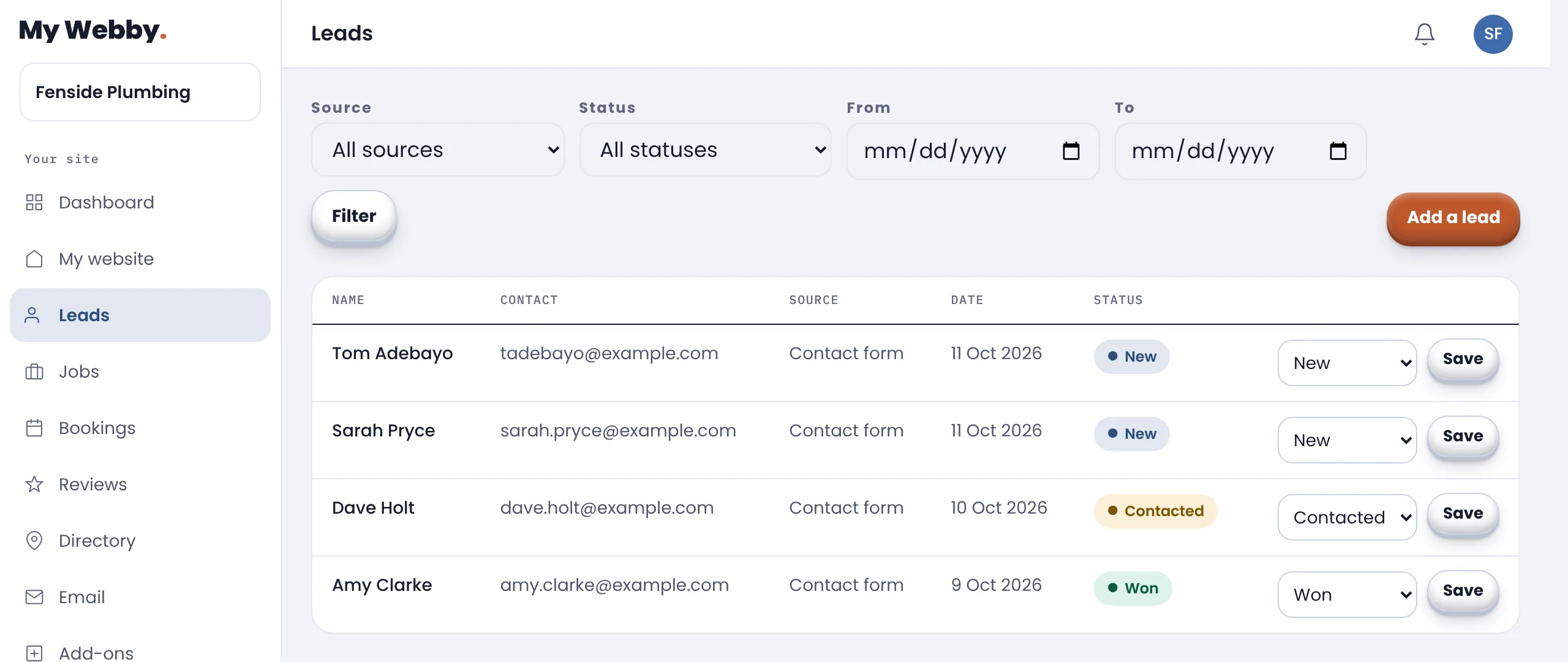
Enquiries
Every message in one place, and who is still waiting on you.
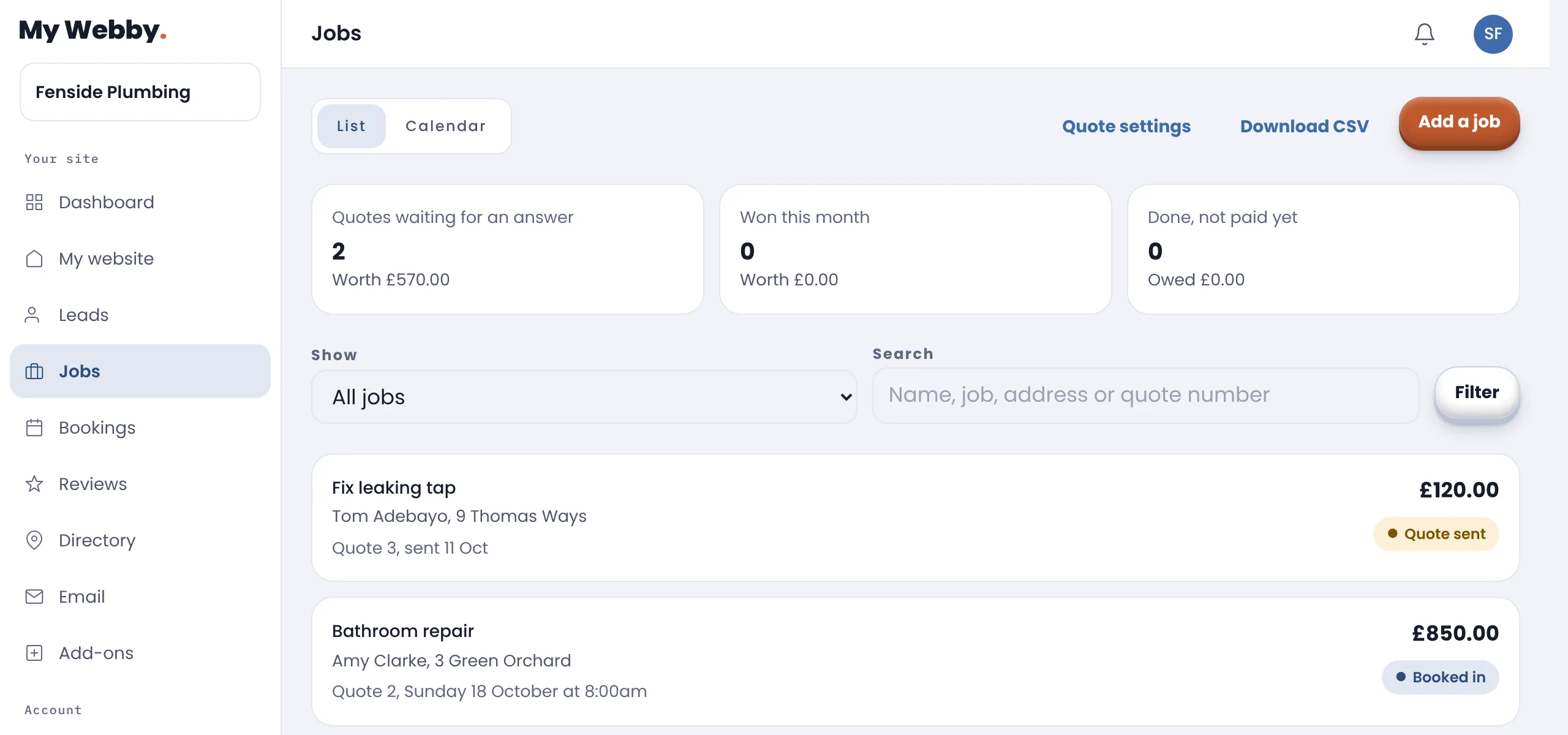
Quotes and jobs
Send a quote, they accept it online, and the job goes in your diary.
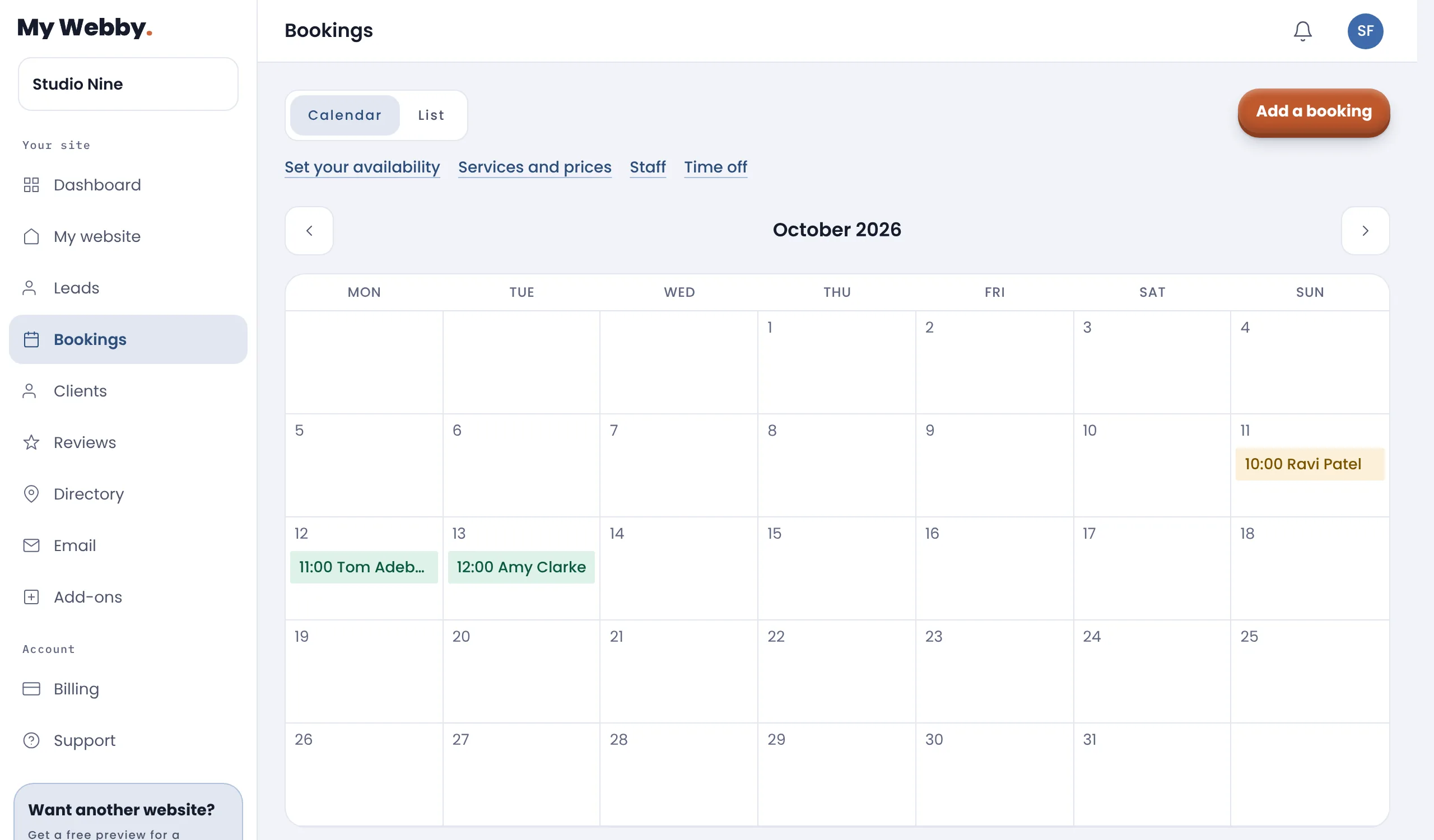
Bookings
Customers book themselves in, only when you're free.
Clients
See every visit, what they spent and your notes.
Reviews Coming soon
Ask for a review the moment a job is done, on Google.
Customer emails
Your customer hears back as soon as they get in touch.
Trades get quotes and jobs. Salons, barbers and anyone people book a time with get bookings and clients.
Add it to your website
Your first month is free, from the day your website goes live. After that it is £29.99 a month inc VAT on top of your website, with no minimum term, and nothing is charged unless you keep it. There's nothing to install. Add it when you sign up and it's there the day your website goes live, or switch it on or off any month from your portal.
Common questions
How do I add the customer hub?
Add it to your website as an add-on, at signup or from your portal later. It is monthly with no minimum term, so you can switch it on or off any month.
Is there anything to set up?
There's nothing to install and no training needed. You log in, see what has come in, and deal with it. If you take appointments, you add your services, prices and staff once, and your website specialist can do it with you.
Will I know when someone gets in touch?
Yes. Every message from your website lands in the hub and you get an email the moment it arrives. Mark each one contacted, won or lost so you always know who is waiting on you.
Does my customer hear back straight away?
Yes. When somebody sends an enquiry or asks to book through your website, they get an email to say it arrived.
Can I send quotes from it?
Yes. Turn any enquiry into a job, write the quote line by line with VAT if you charge it, and we email it to your customer with a PDF. They accept it online, you get an email when they do, and you book the work into your calendar. You can see which quotes are still waiting and what they are worth.
How does the booking system work?
You set your hours, your services with how long each takes and what it costs, and who works when. Customers pick a service and a time on your website, and only times that fit are offered. You confirm or move it in a click, they get an email either way, and a reminder the day before.
Can more than one person take bookings?
Yes. Each person gets their own calendar, their own hours and the services they do, so two of you can be booked at the same time. Customers pick who they want, or anyone free. Book time off and nobody can book it.
How do the review requests work?
They are coming soon. When you've finished a job, you'll send a review request in seconds that takes your customer straight to your Google reviews. You'll see who has left one, and reply from your portal.
Can I get my enquiries out of it?
Yes. Export the lot whenever you like.